 Shelf Shaker
Snap your shelf. Pour something good tonight.
Shelf Shaker reads the bottles you already own and shows every cocktail and zero-proof drink you can make right now. It also tells you which one bottle would unlock the most new drinks.




- recipes, classic to modern
- 314
- zero-proof drinks
- 110
- bottles free, forever
- 12
- accounts needed
- 0
From a photo of your shelf to a drink in hand.
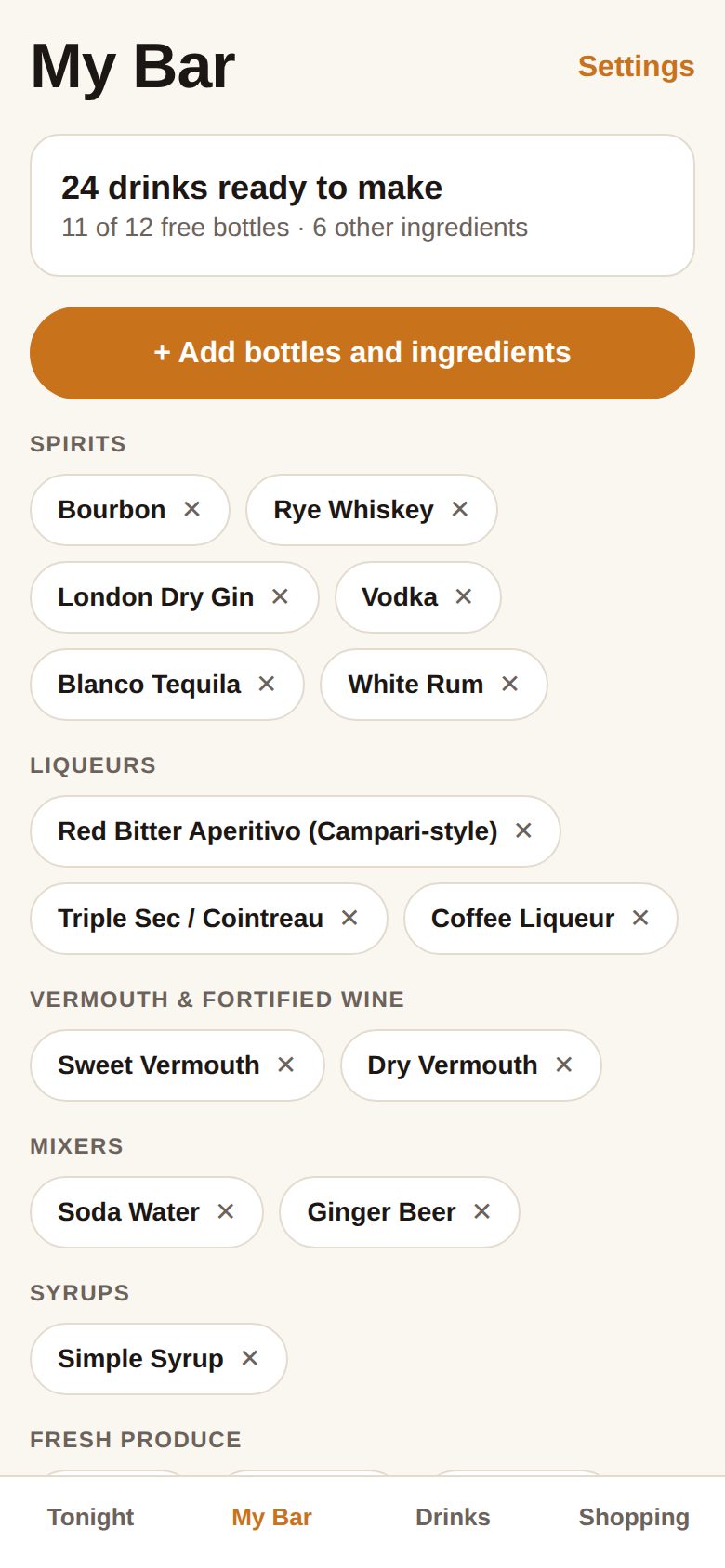
Snap your shelf
Point the camera at your bottles. Labels are read on your phone, and barcodes fill in the rest. You confirm the list before anything is added.
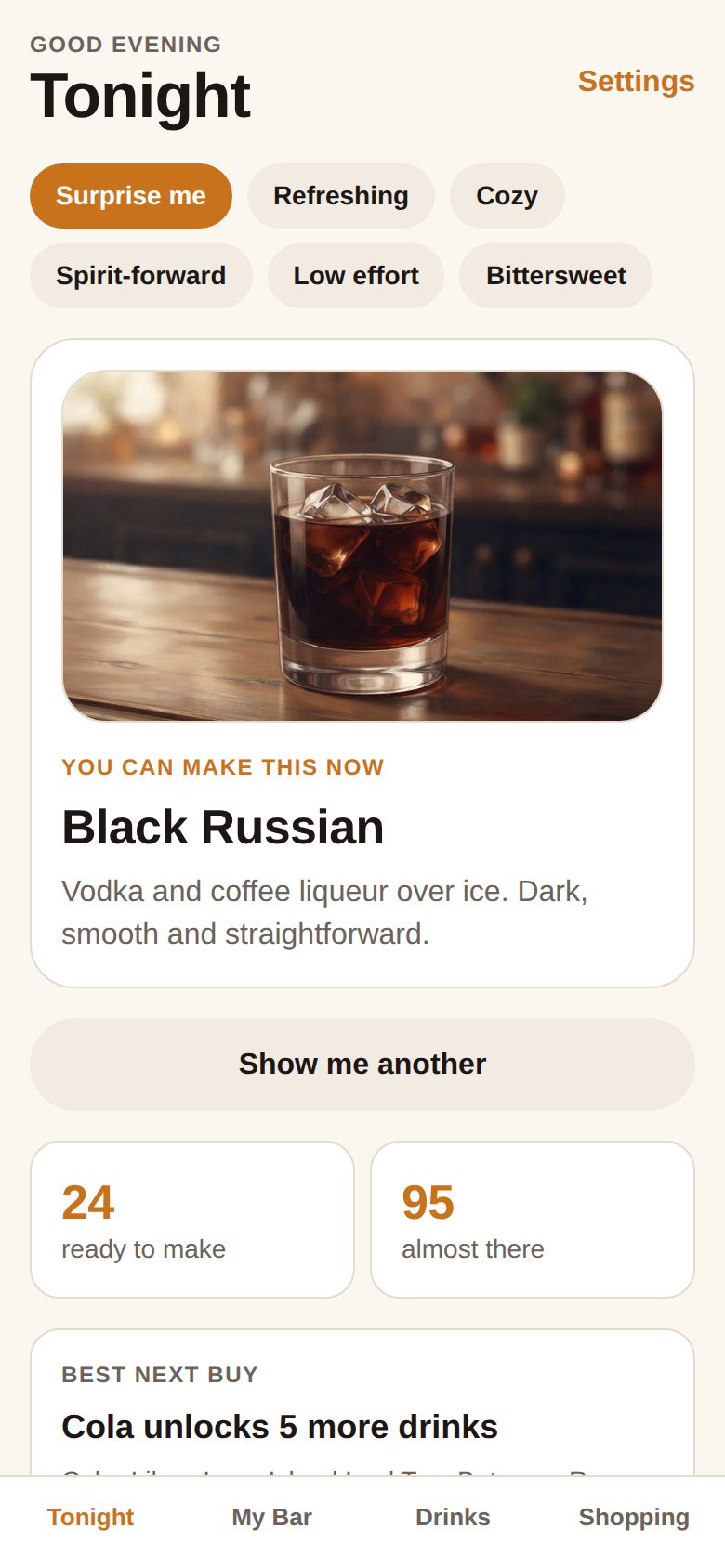
See what you can make
Tonight shows a drink you can make right now, plus everything you’re one bottle away from. Filter by mood: refreshing, cozy, spirit-forward or low effort.
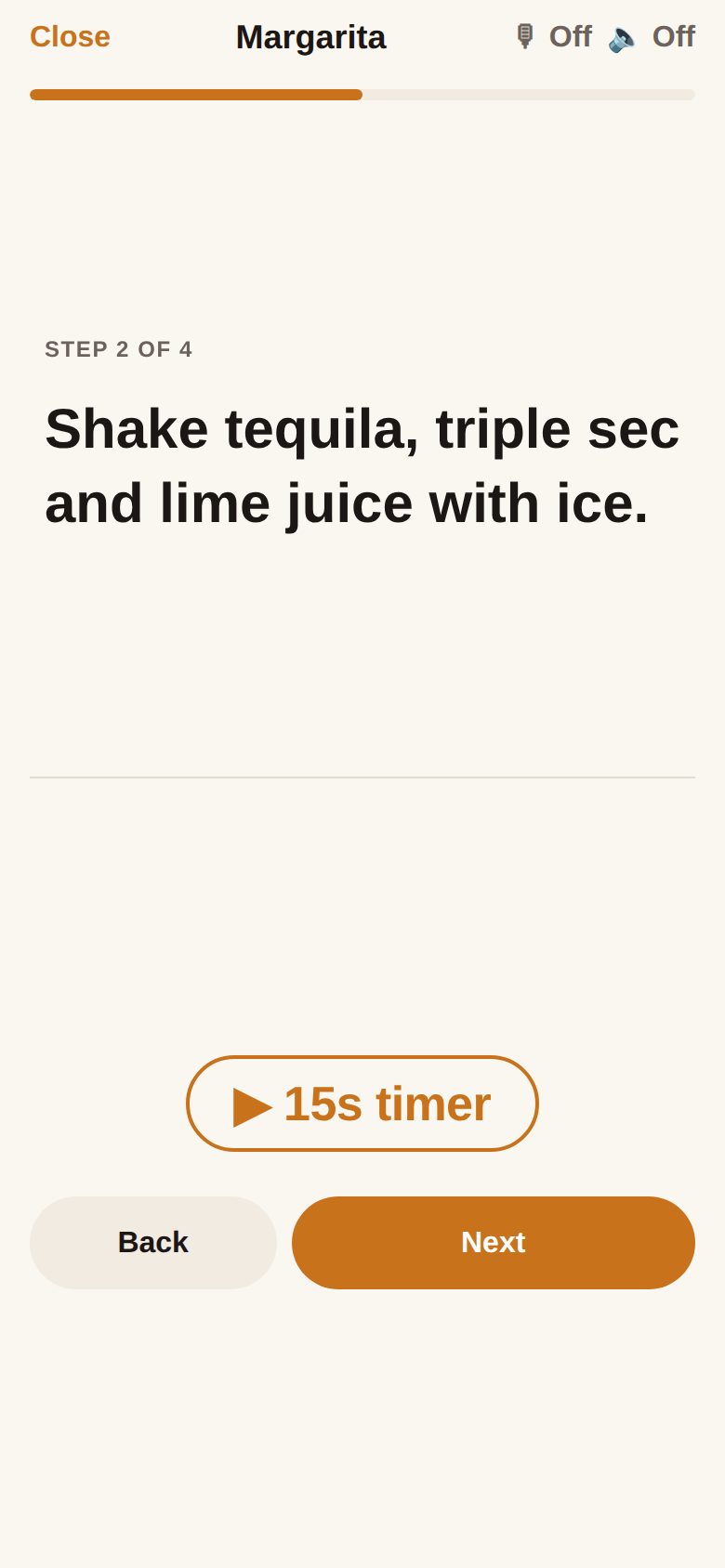
Pour along
Big steps you can read from across the counter, with shake and stir timers. Turn on read-aloud and say “next” to keep your hands on the shaker.


Your next bottle, picked by math.
Shelf Shaker checks every recipe against your bar and ranks what to buy by how many new drinks each bottle unlocks. Add cola and make five more tonight.
- Ranked by new drinks unlocked, using what you already own
- Shows where substitutes work, like any orange liqueur for Cointreau
- A shopping list you can tick off in the store

110 drinks with nothing to slow you down.
Flip to zero-proof and the whole app follows: Tonight, recipes and shopping tips all switch to alcohol-free drinks. Most classics have a zero-proof twin one tap away.
Built for wet hands and real kitchens.
Hands-free
Say “next”, “back”, “repeat” or “start timer” while you pour. Speech recognition runs on your phone.
Foldable ready
Two panes when unfolded. Stand it half-open and the step sits above the fold, the buttons below.
Batches and pitchers
Scale any recipe for a crowd, in ounces or milliliters, with the math done for you.
Barcode backup
Fancy script label it can’t read? Scan the barcode, and it remembers that bottle next time.
Shake timers
Steps that say shake or stir come with a timer, so every drink is chilled the same way.
Private by design
No account and no tracking. Photos are read on your phone and never uploaded.
Start with a classic.
Every recipe in the app is on the web too. Browse all 314, or open the app to see which ones you can make.
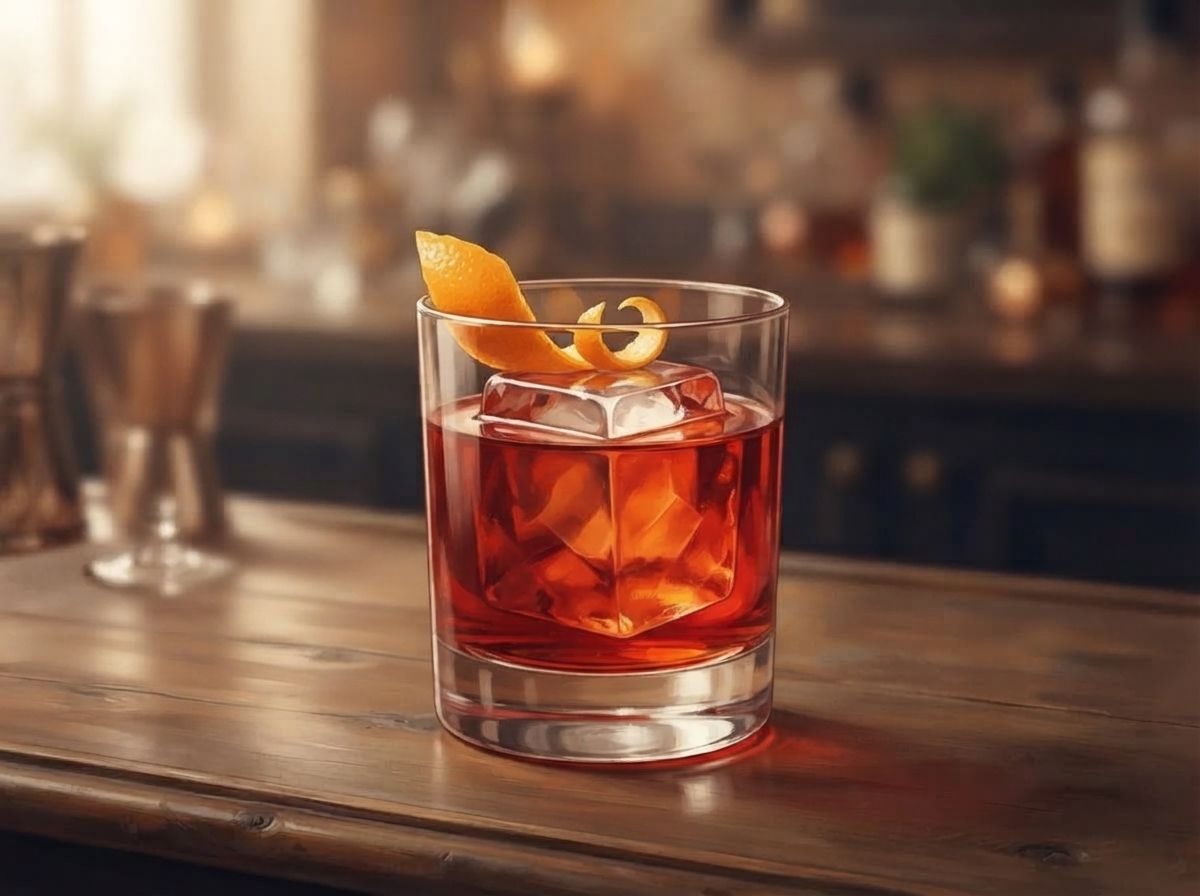
Negroni
Gin, bitter aperitivo and sweet vermouth in equal measure.
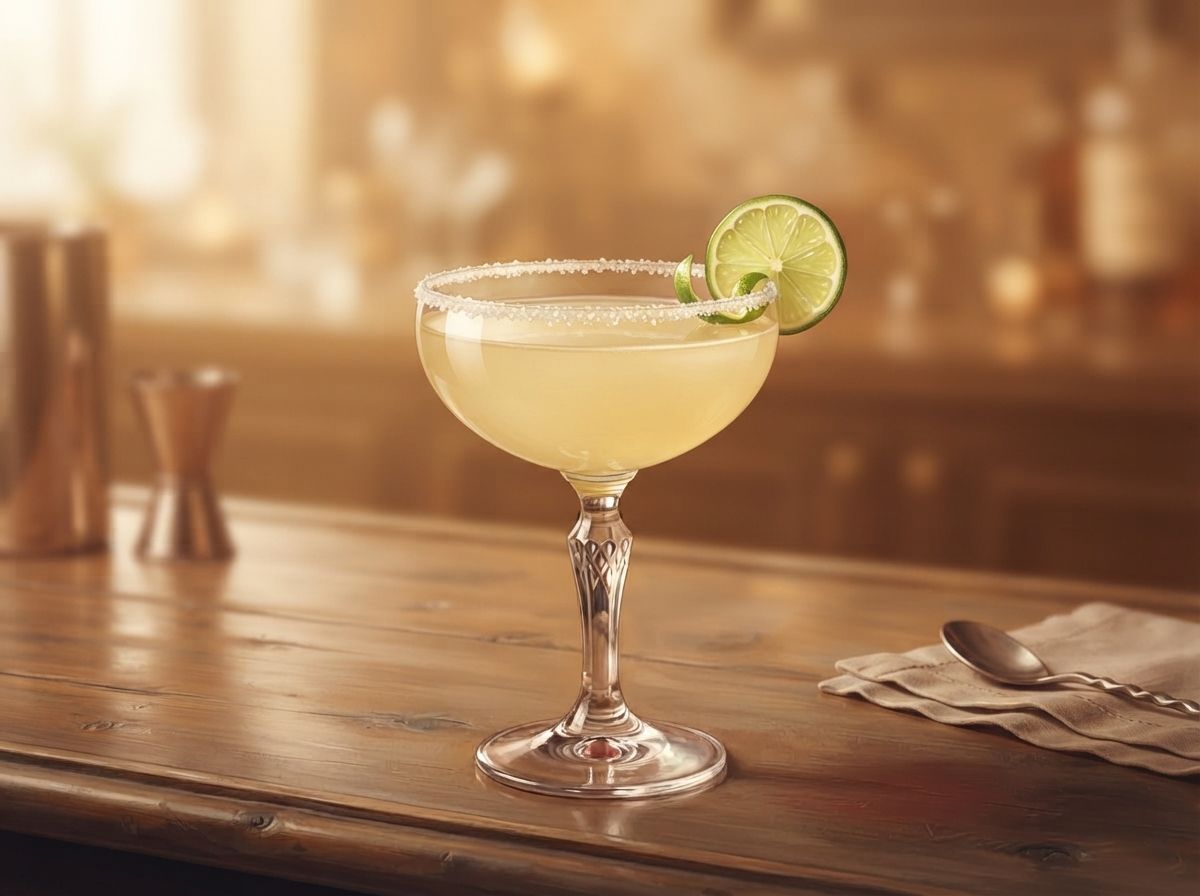
Margarita
Tequila, orange liqueur and lime with a salted rim.
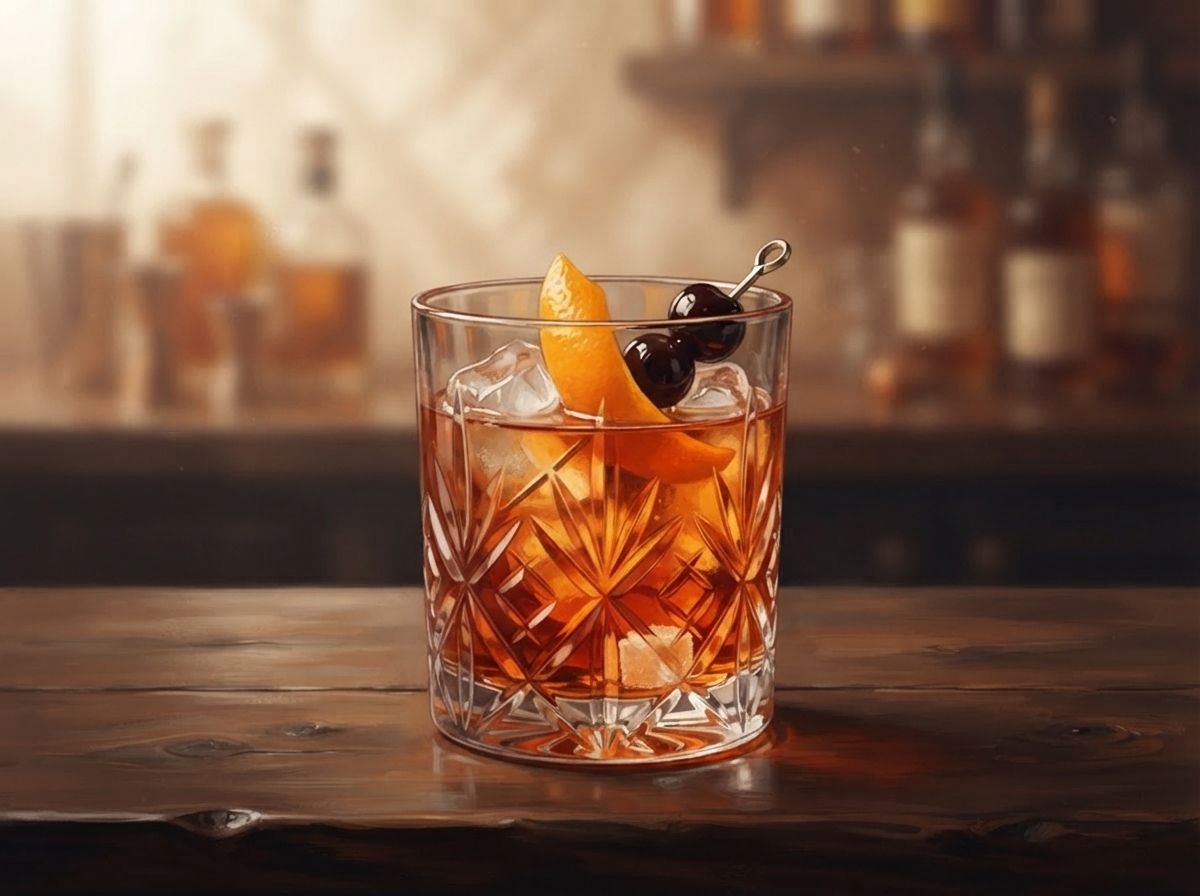
Old Fashioned
Whiskey, a little sugar and bitters, nothing more.
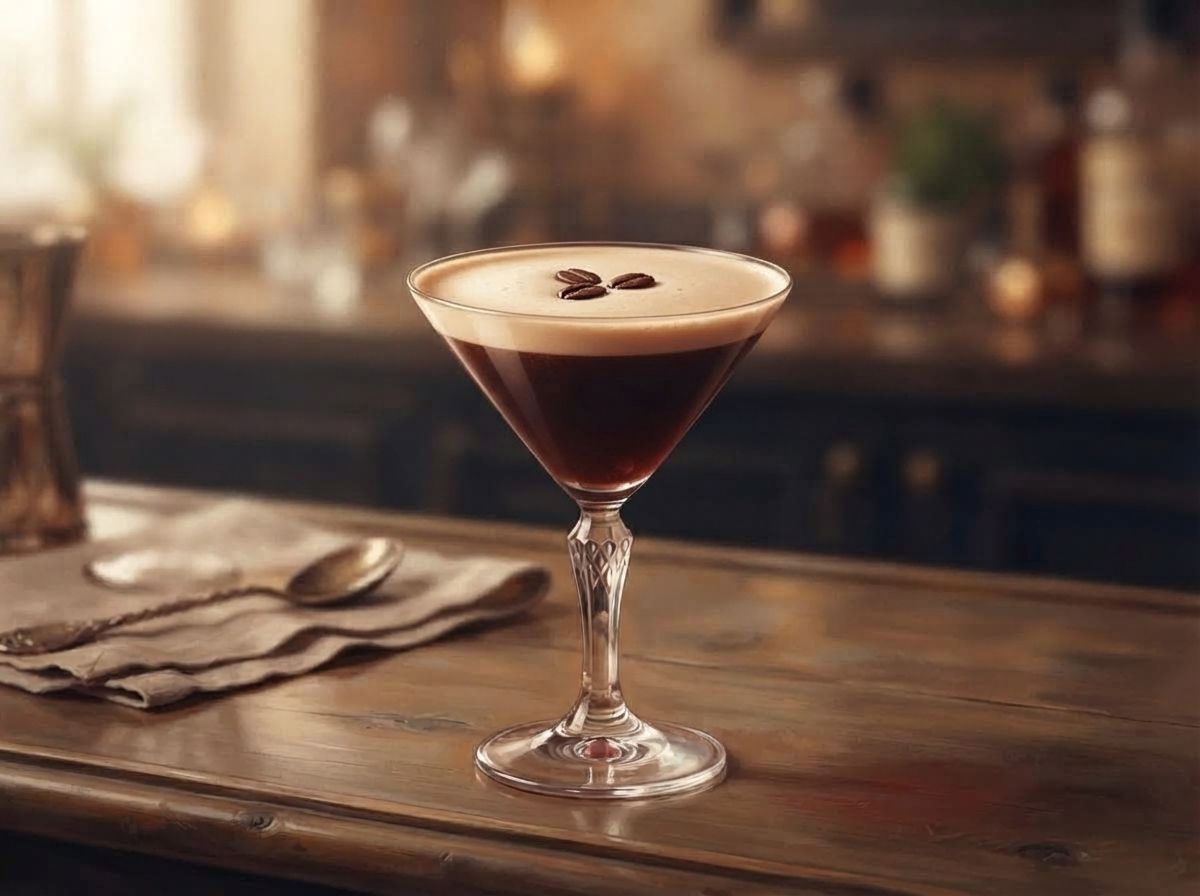
Espresso Martini
Vodka, coffee liqueur and fresh espresso shaken to a creamy foam.
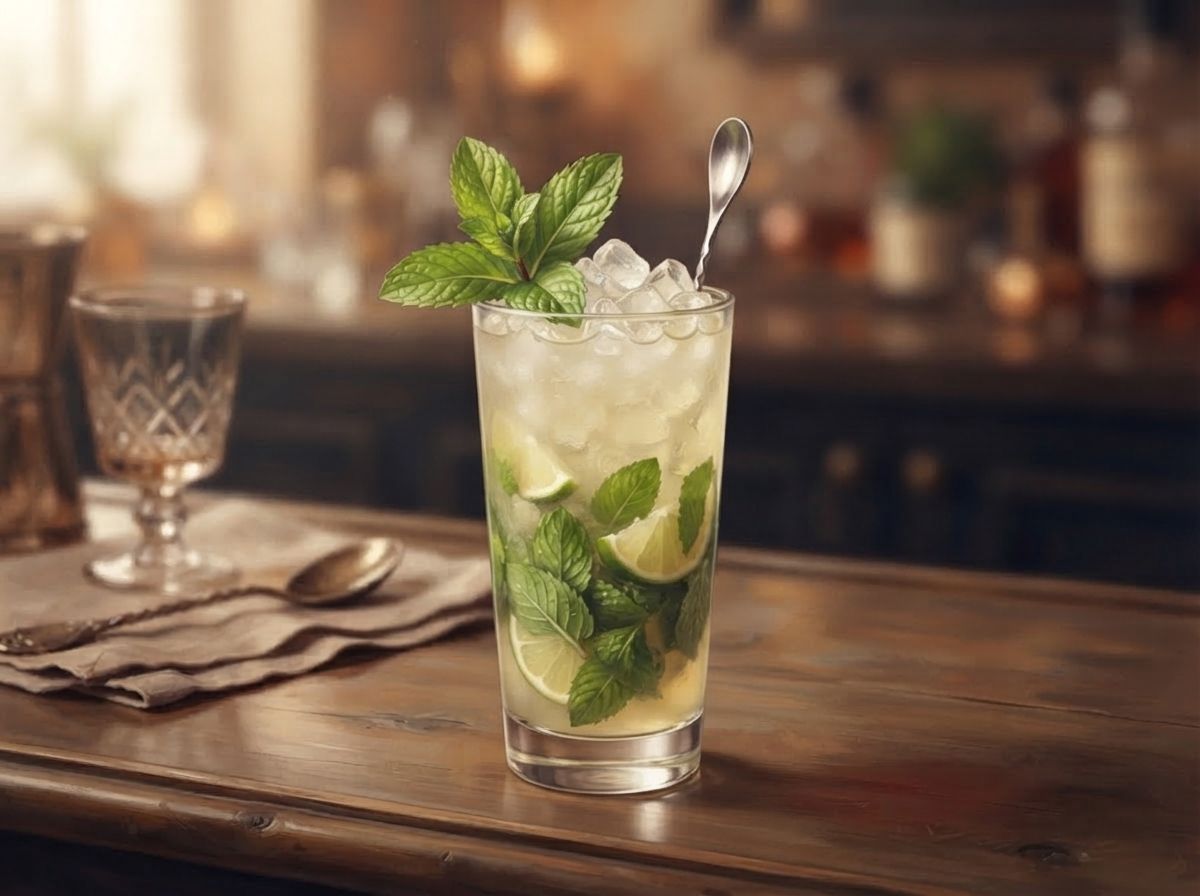
Mojito
Rum, lime, sugar and mint topped with soda.
NA Negroni
Equal parts of alcohol-free gin, red aperitivo and sweet vermouth make a bittersweet, ruby-red sipper.
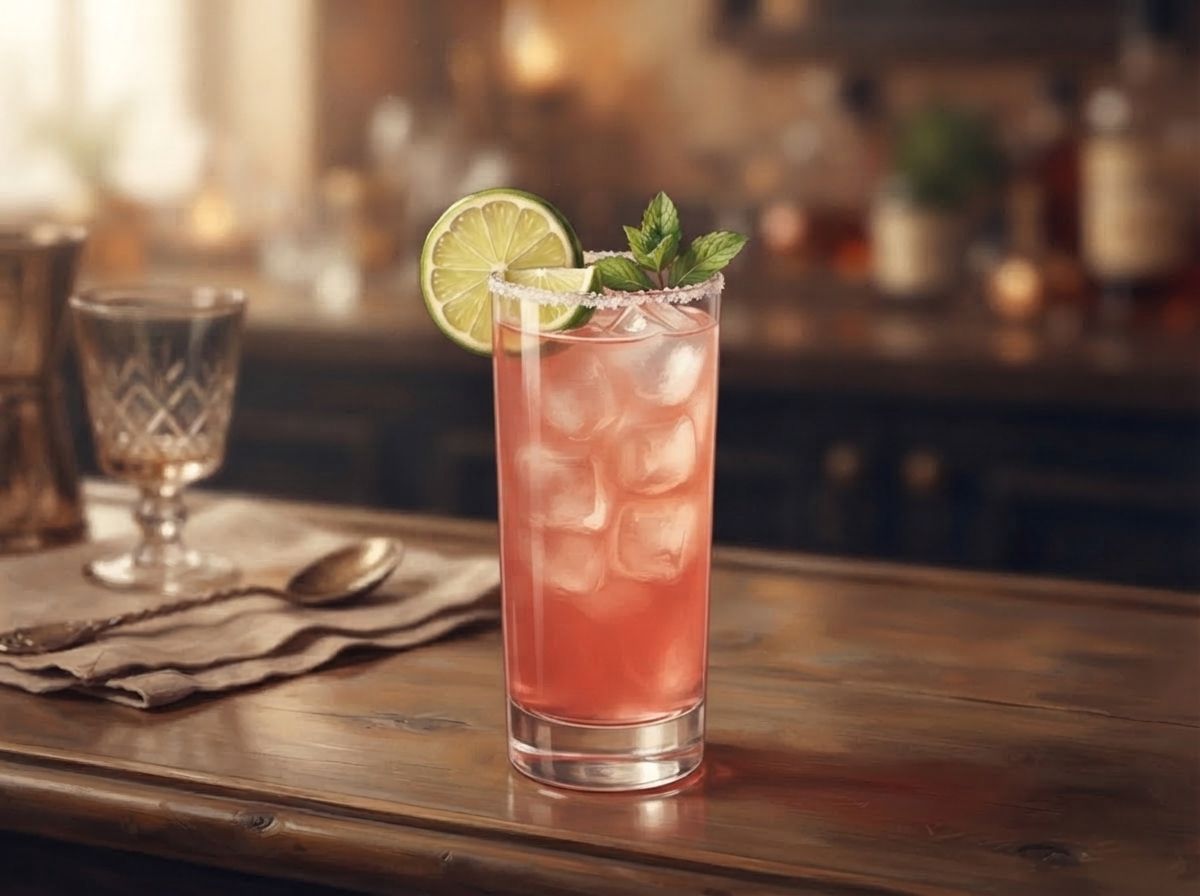
Paloma
Tequila with lime and grapefruit soda.
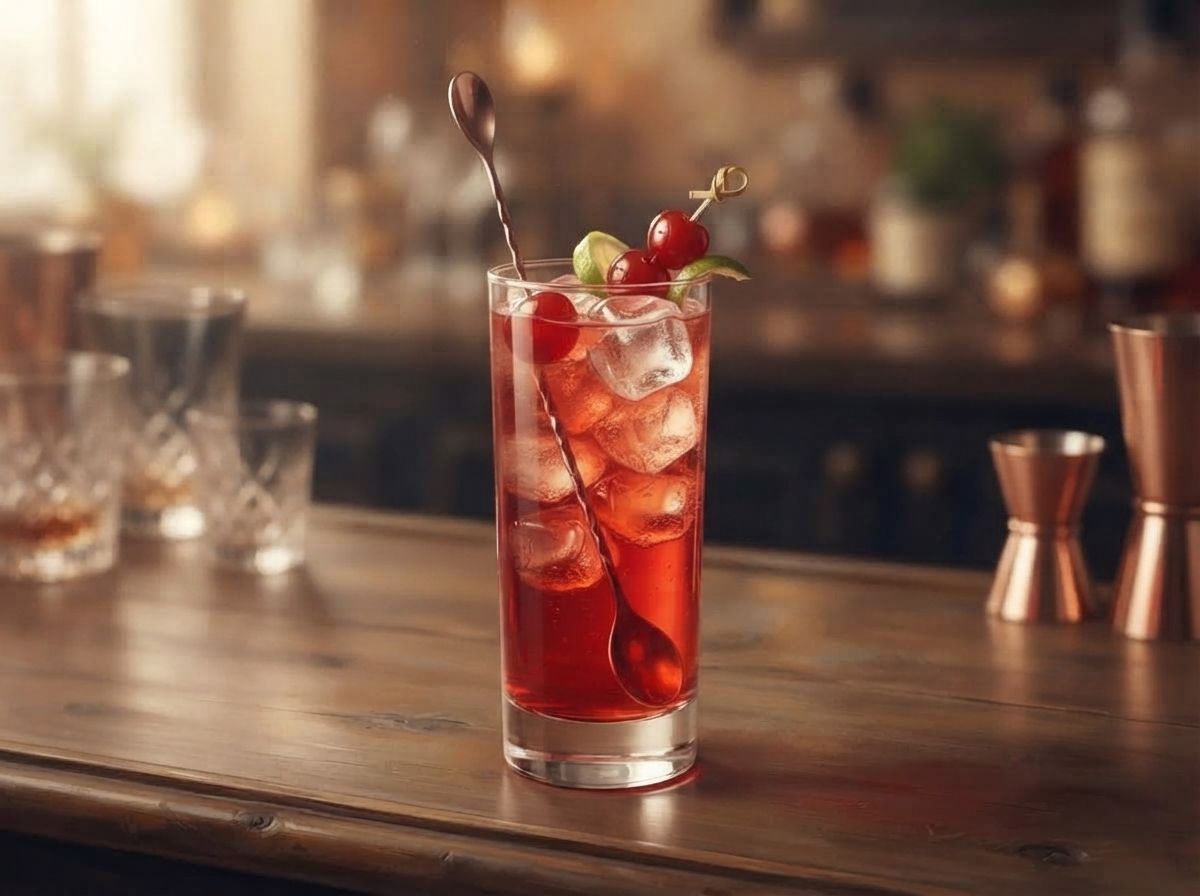
Shirley Temple
Ginger ale tinted with grenadine and brightened with lime.
Free for a good home bar. Pro for a great one.
No ads, ever. The free app is complete. Pro is for bigger collections and hosting.
Free
- Up to 12 bottles (mixers, citrus and syrups don’t count)
- All 314 recipes and Pour Along
- Top 3 shopping picks
- Zero-proof mode, read-aloud and hands-free
- 1 or 2 servings at a time
Pro
- Unlimited bottles
- The full ranked shopping list
- Batch and pitcher sizes
- Everything in Free
Questions, answered.
How does Shelf Shaker read my bottles?
Take a photo of your shelf and the app reads the labels right on your phone. Anything it can’t read, you can scan by barcode or add by name. You check the list before anything is added.
Do I need an account?
No. There’s no sign-up and no login. Your bar lives on your phone.
Does it work without alcohol?
Yes. Zero-proof mode switches every list, recipe and shopping tip to 110 non-alcoholic drinks, including alcohol-free spirits.
What does Pro add?
Unlimited bottles, the full ranked shopping list, and batch and pitcher sizes. The free app covers 12 bottles, and mixers, citrus and syrups don’t count toward that.
Will it work on my foldable?
Yes. Unfolded, recipes show ingredients and steps side by side. Half-folded on the counter, Pour Along puts the step on top and the buttons below the fold.
How do I cancel Pro?
Subscriptions are handled by the App Store or Google Play. Cancel any time in your store account settings, or from Settings → Manage subscription in the app.
Something else? Visit support or email support@shelfshaker.com.
Your bar can make more than you think.
Take one photo and find out.